Multiwatch Streams: Watch Twitch, Kick & YouTube Simultaneously
Add Streams
Manage Streams & Layout
Layout Preview
Add streams to see the preview
Enter a channel name/video ID, or URL above to add Twitch, YouTube, Kick, or Trovo streams.

Track your esports broadcasts in real time
- Get real-time viewer counts across all channels
- Filter current and highest figures by language and platform
- Ensure influencer deliverables and enforce community casting guidelines
Join industry leaders to maximize retention and boost engagement.
Contact Our Team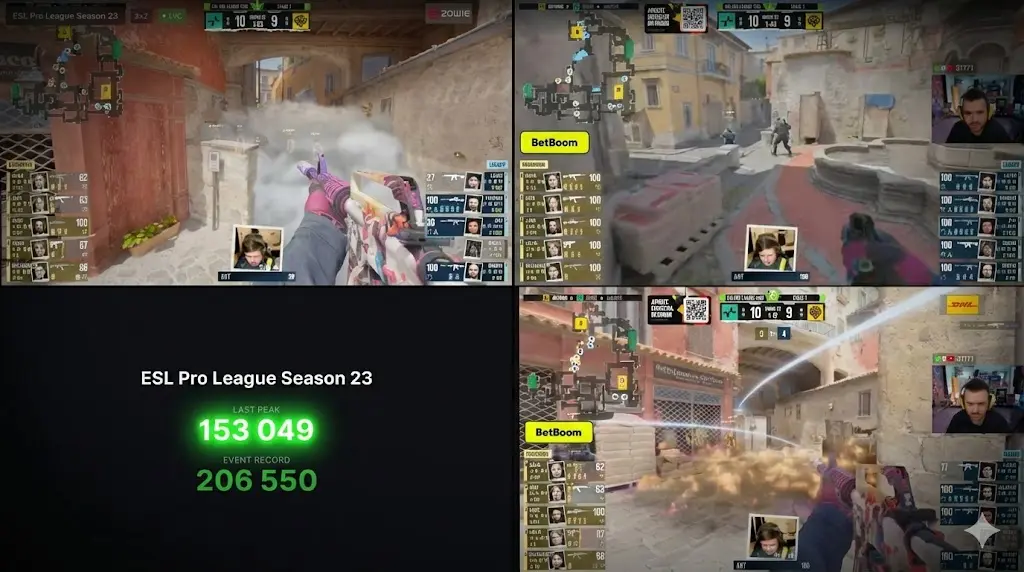
Related tools
FAQ
How to watch two Twitch streams at once?
To watch two or more Twitch streams simultaneously, simply enter the channel usernames into our Multiwatch dashboard. Our tool will automatically create a split-screen layout for you. Unlike the standard Twitch player, we allow you to sync multiple windows without needing multiple browser tabs.
Can I watch Twitch and Kick together?
Yes. One of the biggest advantages of our Multiwatch tool is cross-platform compatibility. You can add a Twitch stream in one window and a Kick, Trovo or YouTube stream in the next. Just paste the respective links, and our engine will handle the different player embeds seamlessly on one page.
Is there a way to watch multiple streams without lag?
Watching several streams can be heavy on your CPU and RAM. Our tool is built as a lightweight "Multiwatch" wrapper that optimizes resource usage. By using our interface instead of opening five separate browser tabs, you significantly reduce the memory load on your computer.
Is Multiwatch free to use?
Yes, our Multiwatch service is 100% free. You don't need to create an account or install any extensions. Simply visit the site, add your favorite streamers, and enjoy the ultimate viewing experience.
Can I save my Multiwatch layout?
Absolutely. Once you have set up your perfect multi-stream grid, you can copy the unique URL from your browser's address bar. Save it to your bookmarks to instantly load the same set of streamers the next time they go live.
Does this tool support combined chat for all streams?
Currently, we prioritize a video-first layout to give you the maximum screen space for the actual action. Most "all-in-one" chat tools significantly slow down your computer's performance. By focusing on the video feeds, we ensure you get the lowest latency and highest quality for every stream in your grid.
Is there a MultiTwitch for YouTube, Trovo and Kick?
Most traditional multi-viewers only support Twitch. The Esports Charts Multistream Viewer is a true cross-platform alternative, allowing you to watch Twitch, YouTube, and Kick streams simultaneously in a single synchronized layout.
Why is MultiTwitch not working or showing a black screen?
Legacy tools often struggle with modern browser security updates or changes to Twitch’s player API. Our Multistream Viewer is built on a modern framework that is updated regularly to ensure compatibility with Chrome, Firefox, and Safari, preventing the "black screen" or "infinite loading" issues common on older sites.